
BIM File Formats: Technical Reference for AEC Workflows
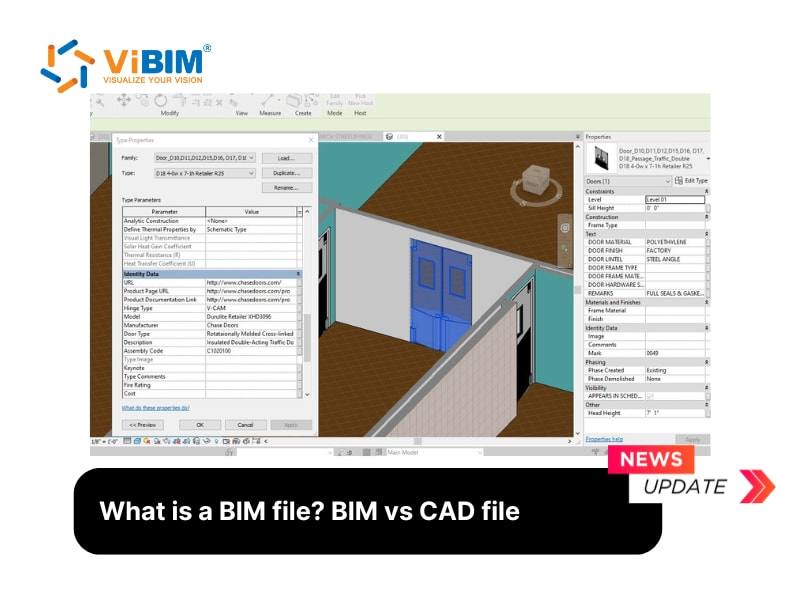
This reference documents the BIM file formats encountered in production AEC workflows: their file extensions, the software that reads and writes them, the use case they serve, and the technical notes worth knowing before working with them.
Native (proprietary) authoring formats
.rvt — Autodesk Revit Project File
Binary project file containing model elements, families, views, sheets, schedules, and worksharing metadata. Read and written by Autodesk Revit only. Version-locked: a 2024 file cannot be opened in 2022 Revit. Companion files include .rfa (family files), .rte (project templates), and .rvs (Revit Server). The format dominates AEC BIM authoring in North America.
.pln — Graphisoft ArchiCAD Project File
Single-file project format storing model, layouts, libraries, and views. Read and written by Graphisoft ArchiCAD. Companion formats: .pla (archived project including library), .tpl (template). Strong in European architectural markets and in studios prioritizing macOS workflows.
.nwf — Autodesk Navisworks File Set
Reference file pointing to multiple source files (RVT, IFC, DWG, etc) federated into a single coordination view. Lightweight: it stores references, not geometry. Each referenced file generates a .nwc cache.
.nwc — Navisworks Cache File
Compiled geometry cache exported from a source authoring tool (Revit, ArchiCAD, MicroStation). Read by Navisworks; not edited directly. Each .nwc represents one source file in the federated model.
.nwd — Navisworks Document
Published static federated model. All source geometry baked into a single file. Read by Navisworks Freedom (free viewer) without needing the source files. Used for issuing federated models to consultants, clients, and field teams.
.dgn — Bentley MicroStation Design File
Native format for Bentley MicroStation and the broader Bentley OpenBuildings / AECOsim ecosystem. Dominant in infrastructure, transportation, and process industry projects. Includes 2D, 3D, and BIM authoring capabilities depending on the Bentley product variant.
Open (non-proprietary) exchange formats
.ifc — Industry Foundation Classes
The cornerstone of OpenBIM exchange. Defined by the IFC schema from buildingSMART. ASCII or compressed binary (.ifczip). Current version IFC 4 (ISO 16739:2018), with IFC 4x3 adding infrastructure entities. Every major BIM authoring tool supports IFC export and import. Tradeoffs: large file size, some loss of authoring fidelity (parametric families flattened to generic geometry), but universal compatibility for cross-tool federation and long-term archival.
.bcf — BIM Collaboration Format
Zipped XML files carrying issue tickets, viewpoints, screenshots, and comment threads tied to model elements. Does not carry geometry. Used to route clash detection issues, design review comments, and coordination questions between tools (Navisworks, Solibri, BIMcollab, Autodesk Construction Cloud).
.ids — Information Delivery Specification
XML specification defining the information requirements for a BIM deliverable. Used to validate models against client information requirements under ISO 19650 workflows. Newer format, increasing in adoption among public infrastructure clients in Europe and the UK.
.xlsx (COBie) — Construction Operation Building Information Exchange
Spreadsheet-format deliverable carrying asset data for facility management. Standardized worksheet structure (Contact, Facility, Floor, Space, Type, Component, System, Assembly, etc). Extracted from BIM authoring tools or coordination platforms at handover. Required deliverable on many public sector projects.
.dwg — AutoCAD Drawing File (legacy bridge)
Originally a CAD format, but widely used as a 2D documentation deliverable from BIM workflows. Most BIM authoring tools export construction documents to DWG. Not a BIM format itself: a DWG carries lines, layers, and text, not parametric objects or property data.
.gbxml — Green Building XML
XML schema for exchanging building geometry and energy analysis data between BIM authoring tools and energy modeling software (IES Virtual Environment, EnergyPlus, OpenStudio). Used in sustainability and performance analysis workflows.
Software-to-format compatibility matrix
| Software | Authoring Format | IFC Import | IFC Export | BCF | COBie |
|---|---|---|---|---|---|
| Autodesk Revit | .rvt | Yes | Yes | Plugin | Plugin |
| Graphisoft ArchiCAD | .pln | Yes | Yes | Native | Native |
| Bentley AECOsim | .dgn | Yes | Yes | Yes | Yes |
| Vectorworks Architect | .vwx | Yes | Yes | Yes | Limited |
| Tekla Structures | .db1 | Yes | Yes | Yes | Limited |
| Allplan | .ndw | Yes | Yes | Yes | Limited |
| Autodesk Navisworks | .nwf / .nwd / .nwc | Yes | Limited | Yes | No |
| Solibri Office | (reads IFC) | Yes | No | Native | Native |
| ACC Model Coordination | (cloud) | Yes | No | Native | Limited |
Workflow patterns
Pattern 1: Single-tool team, single-discipline project
Authoring in native format (.rvt or .pln). No IFC needed for internal coordination. IFC and COBie exported only for client deliverables and archival.
Pattern 2: Multi-tool team, federated coordination
Each discipline authors in their native format. IFC exports at regular coordination intervals (typically weekly). Federation in Navisworks or Solibri. Issues routed via BCF. Final deliverable as IFC plus COBie.
Pattern 3: ISO 19650 / public sector contract
Client provides an IDS file defining the information requirements. Models validated against the IDS at each milestone. Deliverables packaged as IFC plus BCF plus COBie. CDE (Common Data Environment) governs file exchange between parties.
Pattern 4: Scan to BIM
Source data is a point cloud (.e57, .rcp, .rcs, .pts). Registration and processing in Recap, Cyclone, or similar. Modeling in Revit, ArchiCAD, or equivalent, outputting native format. Client deliverable typically IFC plus a registered point cloud reference.
Practical notes
- IFC version matters. IFC 2x3 is older but widely supported. IFC 4 is current and required by most modern OpenBIM workflows. IFC 4x3 adds infrastructure coverage and is gaining adoption in 2026.
- Coordinate system alignment is the most common cross-format issue. Define a shared coordinate system at project kickoff and apply it consistently in every authoring tool.
- IFC export settings vary significantly between tools. Document the export profile in the BIM Execution Plan to ensure consistent output from all team members.
- Native formats are version-locked. Plan for archival migration to IFC when the authoring software version reaches end-of-support.
Reference: https://vibimglobal.com/blog/what-is-a-bim-file/
See more:
- https://vibim-scan-to-bim.blogspot.com/2026/05/bim-file-101-whats-actually-inside-it.html
- https://vibim.tumblr.com/post/817397071261974528
- https://vibim.wordpress.com/2026/05/23/what-is-a-bim-file/
- https://vibimscantobim.weebly.com/blog/what-is-a-bim-file
- https://sites.google.com/vibim.com.vn/vibimglobal/blog/what-is-a-bim-file